Pinterest

Showing posts with label Google Certified Educator. Show all posts

Monday, June 18, 2018

Summer PD Goal: Learn YouTube How-Tos with link to resulting video (FY19 SSYRA Jr Video Introduction)

YouTube Thumbnail for
FY19 SSYRA Jr Video Introduction

Summer PD Goal: Learn YouTube How-Tos
with FY19 SSYRA Jr Video Introduction

I've got my own set of Summer learning goals. One of them is to learn more about recording videos on YouTube as part of my Google Certified Educator training. There are so many steps in the process to consider: Camera, background, lighting, voice projection, language appropriate for intended audience, presence, content knowledge, prop preparation, etc.

During this process my thoughts were on the multi-faceted nature of learning new skills. It can take many hours and can require repetition to master. I wonder if we allow those we teach, whether young or old, the time it takes to master the skills they are seeking to learn. Do we allow enough time to practice when we teach new skills?

I thought I'd share the video I recorded as I practiced my learning. It's not perfect, but it's brave. I want my students to choose brave over perfect too. The purpose of this video is to introduce incoming Kindergarten-2nd Grade students to Florida's FY19 Sunshine State Young Readers Award Jr. beginning chapter book selections. I also hope to help them discover the thought process involved in deciding whether or not they're interested in selecting any particular book to read. Students will have access to the video through direct instruction and independently via Google Classroom.

I welcome your thoughts and constructive criticism as I continue practicing new skills.

What are your learning goals this Summer?


Sunday, June 10, 2018

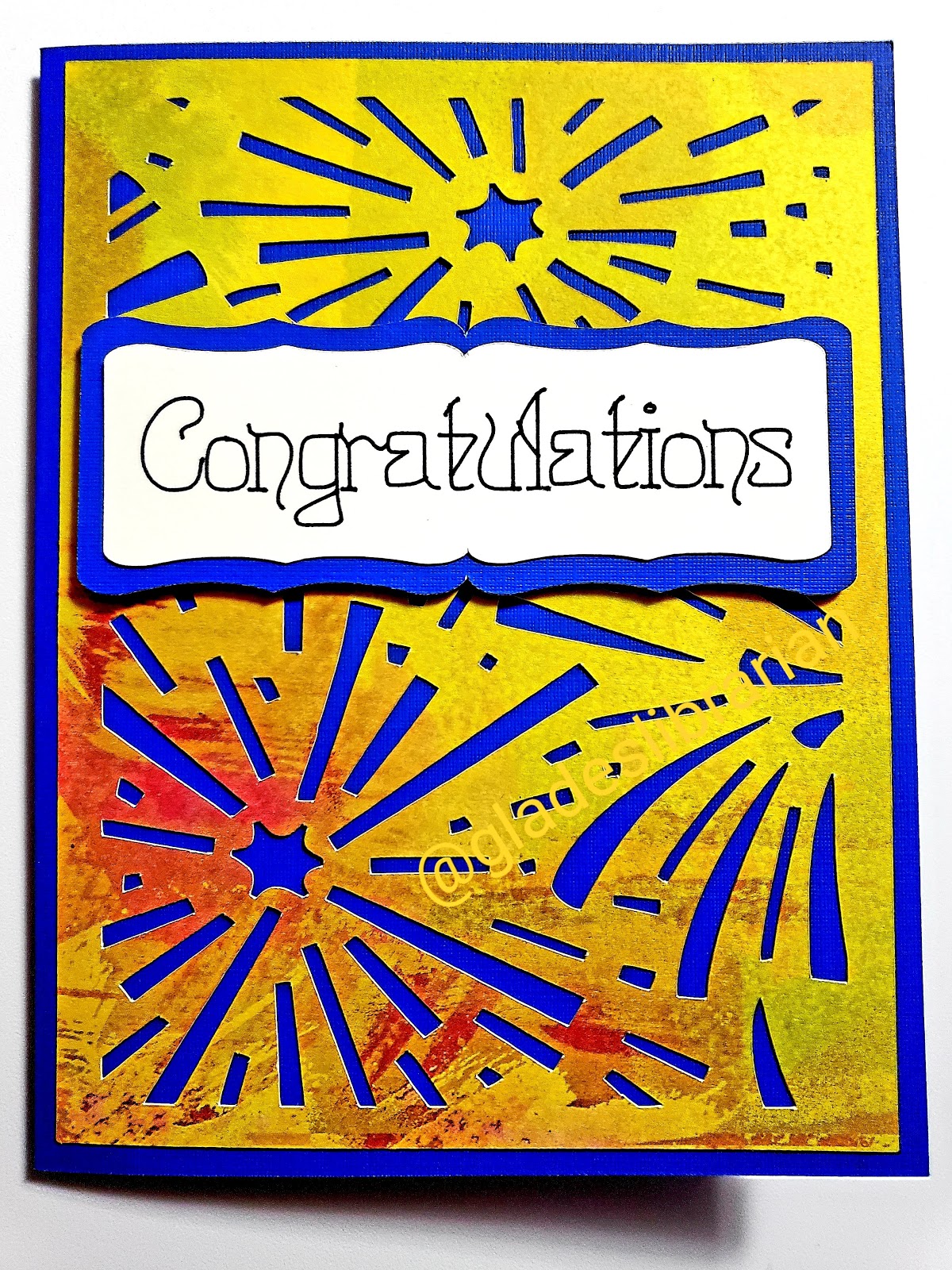
Make A Congratulations Card for Test-Takers (includes free Cricut Design Space file)


Congratulations are in order! One of my goals for this school year was to pass the 3-hour Google Certified Educator Exam. On Sunday, May 13, I reached that goal. Hooray! I feel like celebrating this accomplishment. So today, I want to share a card-making project with you. This is a card that will celebrate the successes of every test taker in your life.

To make this card you will need:
  • 1 12x12 sheet of blue cardstock
  • 1 12x12 sheet of 'Colorbok 75386 Spray Paint' cardstock (I got mine here: Amazon)
  • 1 12x12 sheet of CTMH White Daisy cardstock (I got mine on my independent consultant website here: CTMH)
  • 1 black 0.4 tip Cricut black pen (I got mine here: Cricut)
  • 1 Cricut Maker, or other Cricut machine using Design Space, with accompanying light grip mat and fine-point cutting blade


This picture shows the inside of the card. I am the team leader for my school's Technology Trailblazer program so I went ahead and made a card for each of my team members since passing this exam is a prerequisite before receiving the technology in FY19. As each one passes the test, I plan on mailing a card to congratulate him/her. The card in Design Space doesn't have my name on it. Just double-click on the text to add your own name, or sign it by hand after printing out the sentiment.


I hope you enjoy making this card to celebrate the successes of your friends, family and coworkers. 

Here's the Design Space file so you can get started:


Please let me know if you need any help making this card.